
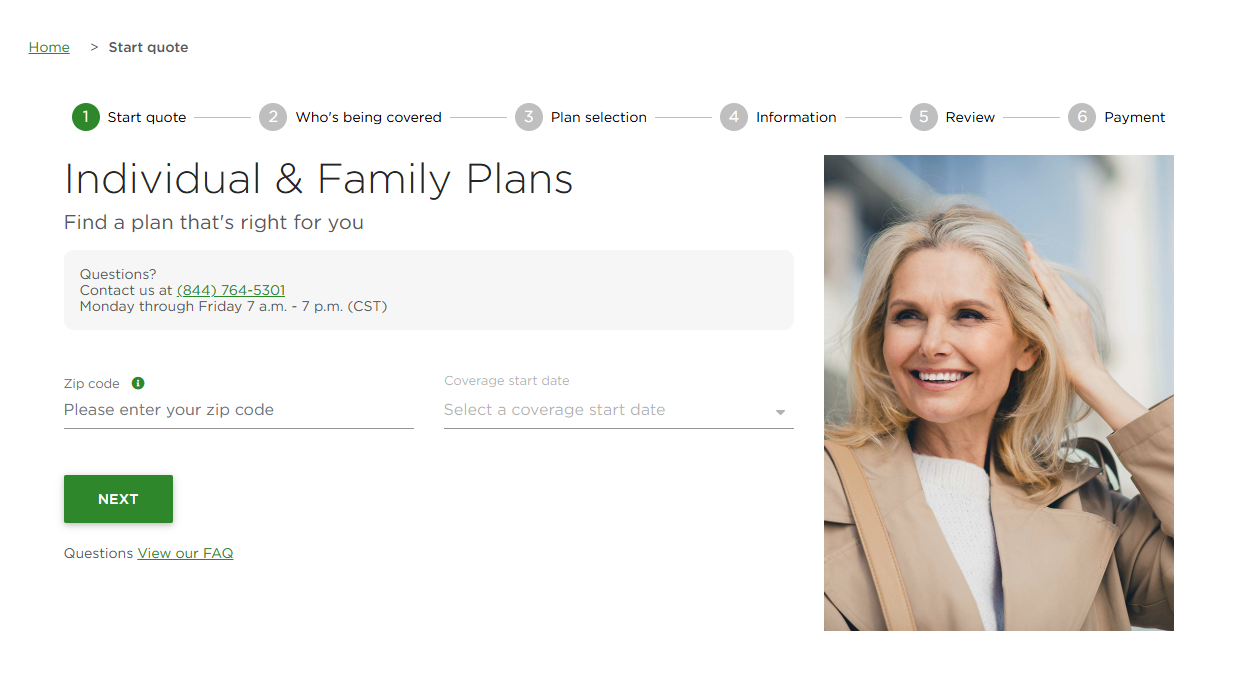
Step 1: Use the URL to navigate to DeltaDentalCoversMe.com. The URL will display in your browser’s address bar. Enter zip code, date of birth and coverage start date. This is also the first step in the enrollment process.
Note: The URL is unique for your agency. All participating brokers at your agency share the same URL.
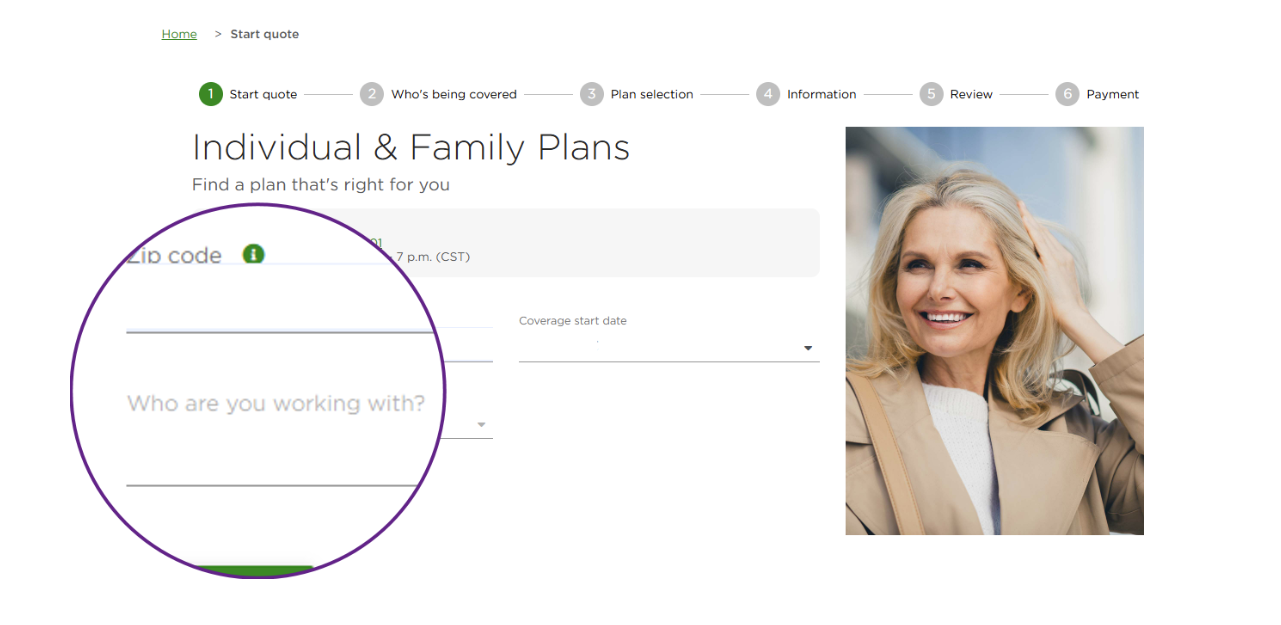
Steps 2-4: Your agency name displays after step 2. The client selects your name from the drop-down menu in step 2, then your name and contact information displays throught quote and enrollment.
Here are screenshots:
Step 1: Enter zip code and coverage start date
Step 2: Select your producer name (all I&F producers in your agency are displayed)
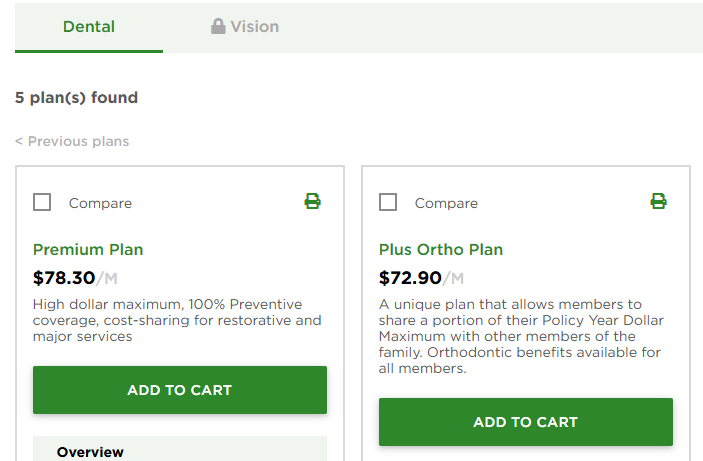
Step 3: Review and select Dental and Vision plans. Vision cannot be selected without dental.
Step 4: Your client enters required information to complete enrollment
